How it works
RaceFlow is built to be the easiest way to manage your racing league. Here's how it works:
What you need
For RaceFlow to work, all you need to do is create a RaceFlow account and install the RaceFlow client app. The client app will automatically upload your race results to your leagues website as soon as the race is over.
How to create your league
- Start by creating an account on the RaceFlow website
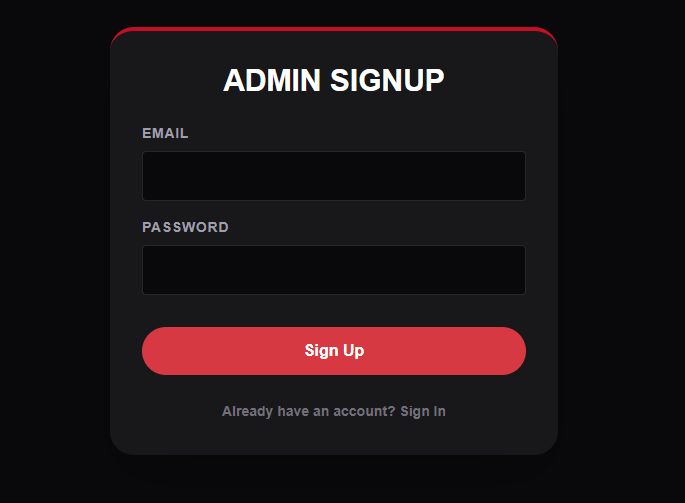
- Create your league and start your season and your good to go
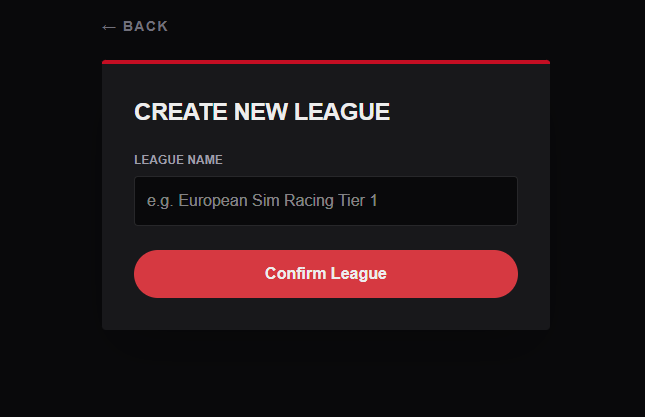
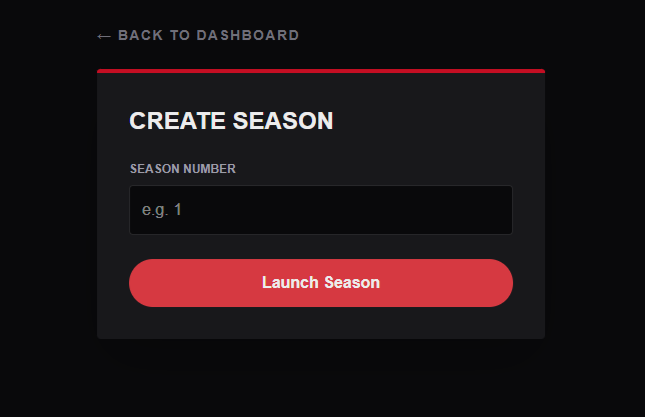
- Do some races and watch your league standings and stats update instantly
RaceFlow Client app - How to use it?
The RaceFlow client app is what makes RaceFlow so easy to use. It automatically uploads your race results to your leagues website as soon as the race is over. Results can also be done manually on the site incase of any issues
- Using the account that you created on the website login to the RaceFlow client app
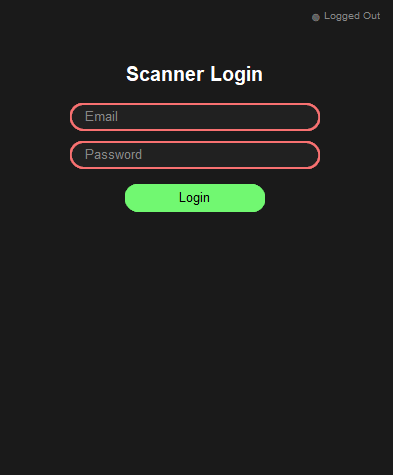
- After logging in you can select the league and season you are racing in and click
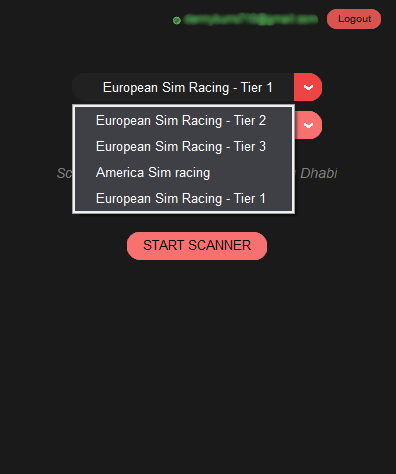
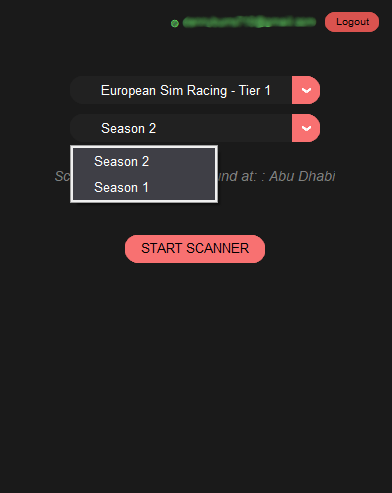
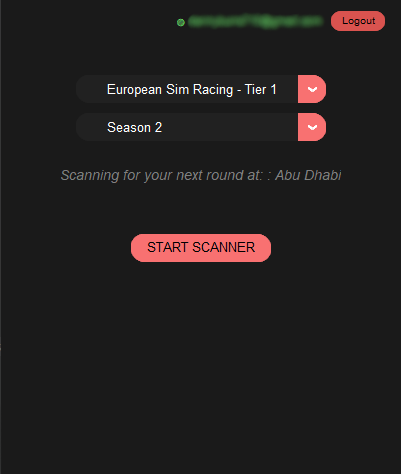
- Click Start Scanner and your good to go
- NOTE: As you can see the app says the track that it is scanning for. This is set using the calendar that you set up on the website. This is to ensure that only results from the intended race are recoreded.
How to connect to your game
To ensure that the RaceFlow client app can connect to your game and upload your race results you will need to copy these telemetry settings into your game and put in your own IP Address
- The settings in the screenshot below will need to be identical apart from the IP Address which must be your own
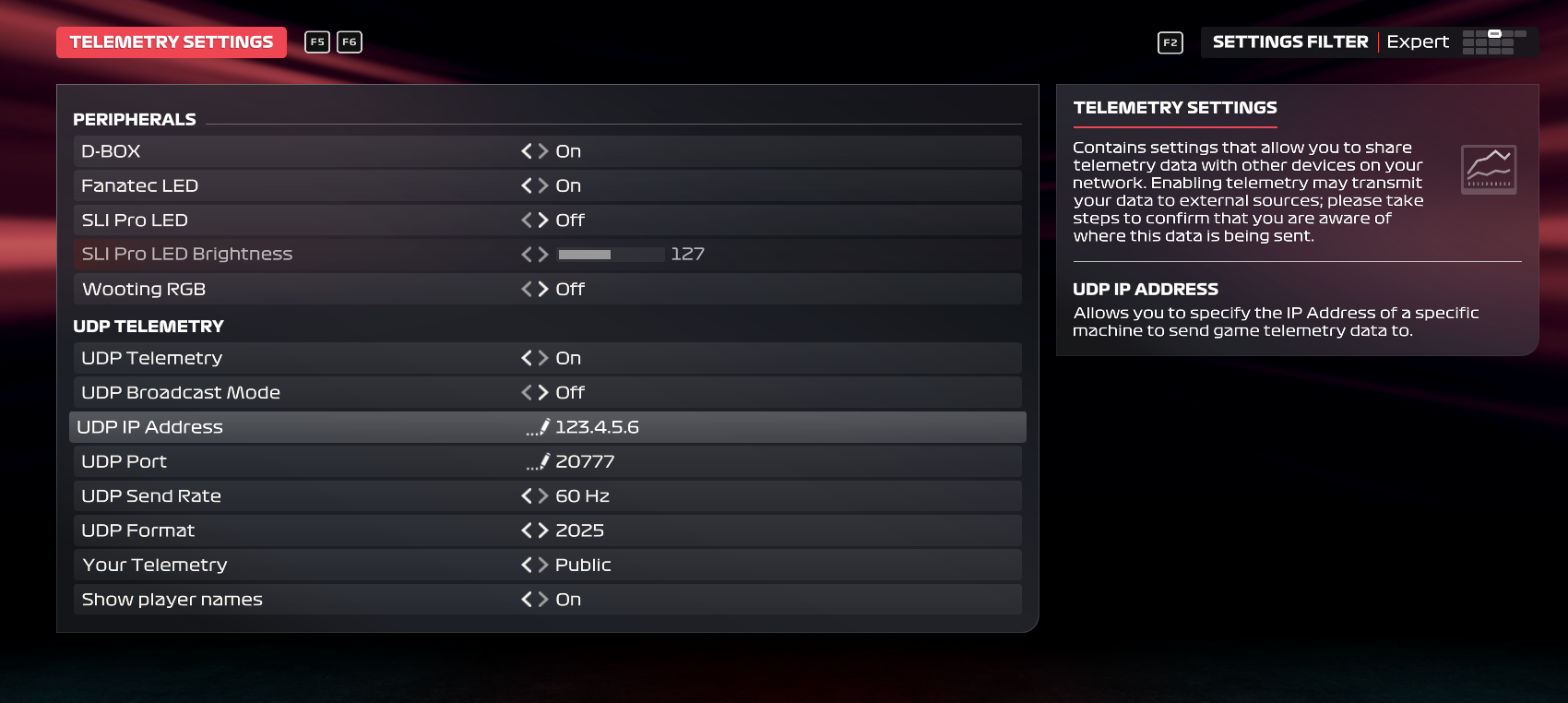
- NOTE: The format MUST be set to 2025 for the app to work. This still allows you to race with both the 2025 and 2026 cars
- NOTE: All players in the lobby must have their games telemetry settings set to Public and have show player names turned ON